How to check DualSense compatibility
Separate connection support from individual game features.
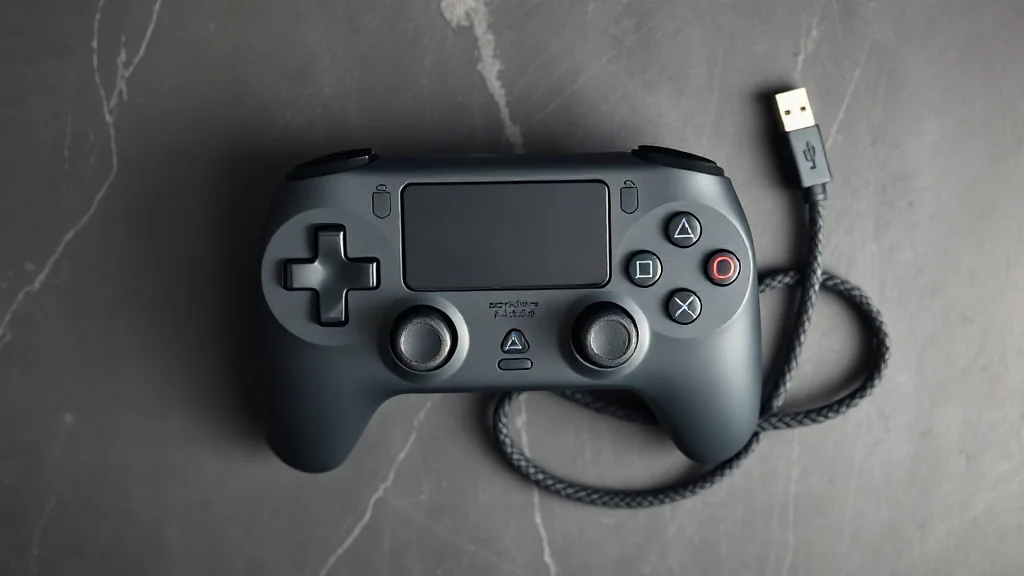
DualSense pairs with supported devices through Bluetooth or USB, but establishing a connection is only the first compatibility check. Individual game features vary, so a controller connecting successfully does not establish which features a particular title supports. Start with the device you intend to use, confirm that it supports the controller, then check the game’s own information.
On PC, haptic feedback requires USB in supported games. If that feature matters to your choice, plan for a wired connection and verify support for the specific title before buying accessories or changing your setup. Bluetooth pairing and haptic support answer different questions. Keeping those checks separate gives you a clearer basis for choosing a connection and avoids treating general controller compatibility as a promise about every game.
Browse PC controllers on Amazon UK